

How to Fix IQOS Terea Uzbekistan

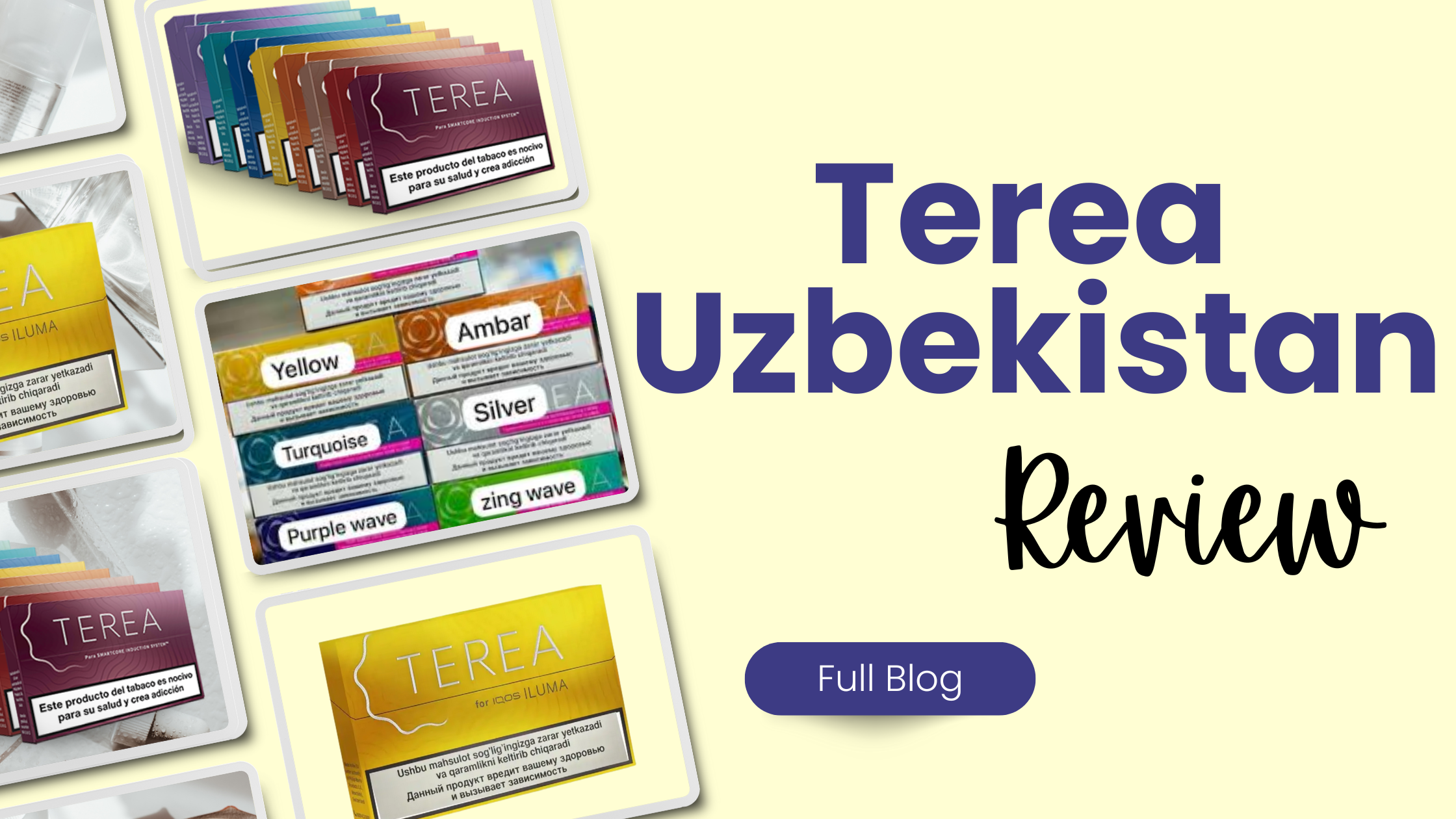
IQOS ILUMA devices that use Terea sticks (including Uzbekistan versions) are generally reliable, but like any electronic product, they can sometimes develop issues. Users often face problems such as the device not heating, weak flavor, blinking lights, or Terea sticks not working properly. The good news is that most of these problems can be fixed easily at home without needing a service center.
This comprehensive guide will explain how to fix common IQOS Terea Uzbekistan issues step by step. Whether your device is not working, producing weak vapor, or showing errors, you’ll find practical solutions here.
Understanding IQOS Terea (Uzbekistan Version)
Terea sticks are specially designed for IQOS ILUMA devices. Unlike older HEETS, they use a SMARTCORE induction system, meaning the device heats the tobacco internally without a blade. ()
Because of this technology:
- The device must detect the correct stick
- Proper insertion is essential
- Cleanliness and temperature matter more than before
If anything interrupts this process, your device may not work correctly.
Common Problems with IQOS Terea Uzbekistan
Before fixing anything, identify the issue. The most common problems include:
- Device not turning on
- Red blinking light
- Weak vapor or bad taste
- Terea not fitting or not heating
- Device not charging
- Auto-start not working
Each of these problems has a specific cause and solution.
1. IQOS Not Turning On
Possible Causes
- Battery completely drained
- Charging issue
- Internal system error
How to Fix It
Step 1: Charge the Device Properly
- Plug in the pocket charger using the original cable
- Wait at least 20 minutes before expecting lights to appear ()
Step 2: Perform a Reset
- Insert holder into the charger
- Press and hold the button for 10 seconds
- Wait for lights to blink
Resetting often fixes system errors quickly.
2. Red Blinking Light Problem
A red blinking light usually indicates a system error.
Fix Method
- Place the holder in the pocket charger
- Press and hold the button for 10 seconds
- Release when lights blink white
This reset method is officially recommended and solves many issues. ()
If the problem continues, the device may need servicing.
3. IQOS Not Heating Terea Stick
This is one of the most common problems, especially with Uzbekistan Terea packs.
Causes
- Wrong or damaged stick
- Incorrect insertion
- Device not detecting the stick
- Battery too low
Fix Steps
Check the Stick
- Make sure it is unused
- Do not reuse Terea sticks
- Try another stick from a new pack
Insert Correctly
- Push the stick gently until it reaches the line
- Keep the filter side outside
Improper insertion is a major reason devices fail to start. ()
Manual Start
If auto-start fails:
- Press the button for 1–2 seconds
4. Weak Vapor or Bad Taste
Many users complain about poor flavor, especially with certain batches.
Causes
- Old or poorly stored Terea sticks
- Dirty device
- Environmental factors
Fix Methods
Try a Fresh Pack
- Poor storage (heat or humidity) can affect quality ()
Clean the Holder
- Use a soft dry cloth or cotton stick
- Do not insert sharp objects
Check Storage Conditions
- Avoid keeping Terea in hot or humid places
5. Terea Stick Not Fitting or Getting Stuck
Causes
- Broken stick inside the chamber
- Incorrect insertion
- Manufacturing defect (rare)
Fix Steps
- Check inside the holder for debris
- Remove stuck pieces carefully (use a toothpick if needed) ()
- Try another stick
Never force a stick inside, as this can damage the device.
6. Device Not Charging Properly
Causes
- Dirty charging contacts
- Faulty cable
- Low battery condition
Fix Steps
Clean Contacts
- Wipe both holder and charger contacts
Use Original Charger
- Third-party chargers may not work properly
Wait Before Charging Starts
- Completely drained devices may take time to respond ()
7. Auto-Start Not Working
IQOS ILUMA normally starts automatically when inserting a Terea stick.
Causes
- Wrong insertion
- Low battery
- Software glitch
Fix
- Insert stick correctly
- Charge the device
- Reset the device
If auto-start still fails, use manual start (button press).
8. Device Overheating or Not Working in Weather
Temperature plays a big role in performance.
Problem
- Device too hot or too cold
Fix
- Keep device between 0°C and 40°C
- Let it cool down or warm up naturally ()
Extreme temperatures can stop the device from working.
9. White Light Blinking Issues
Different white light patterns mean different things:
- 3 white blinks → Temperature issue
- 8 white blinks → Limited usage remaining ()
Fix
- Adjust device temperature
- Recharge if needed
10. Using the Wrong Sticks
A very common mistake:
- Using HEETS instead of Terea
IQOS ILUMA only works with Terea sticks. Using other sticks will prevent heating and may damage the device.
Prevention Tips for IQOS Terea Uzbekistan
To avoid problems in the future, follow these best practices:
Proper Usage
- Always use fresh Terea sticks
- Insert sticks correctly
- Do not reuse sticks
Storage
- Keep sticks in a cool, dry place
- Avoid direct sunlight
Maintenance
- Clean contacts regularly
- Check for debris inside holder
Charging
- Use original charger
- Avoid overcharging
When to Seek Professional Help
If none of the fixes work, your device may have a hardware issue.
Signs you need help:
- Device completely dead
- Reset not working
- Persistent red light
- Charging failure
In such cases, visiting an official service center is recommended.
Important Safety Notes
- Do not disassemble the device
- Do not insert sharp objects inside
- Keep away from water
- Keep out of reach of children
Terea sticks also contain a metal component, so handle them carefully. ()
Conclusion
Fixing IQOS Terea Uzbekistan problems is usually simple once you understand the cause. Most issues—like heating failure, weak flavor, or blinking lights—can be solved with basic troubleshooting such as resetting the device, cleaning it, or using fresh Terea sticks.
The key is to use the device correctly, maintain it regularly, and store both the device and sticks properly. By following the steps in this guide, you can solve most problems at home and enjoy a smoother, more consistent IQOS experience.