

How to Enable Eco Mode on Your IQOS ILUMA i to Save Battery Life

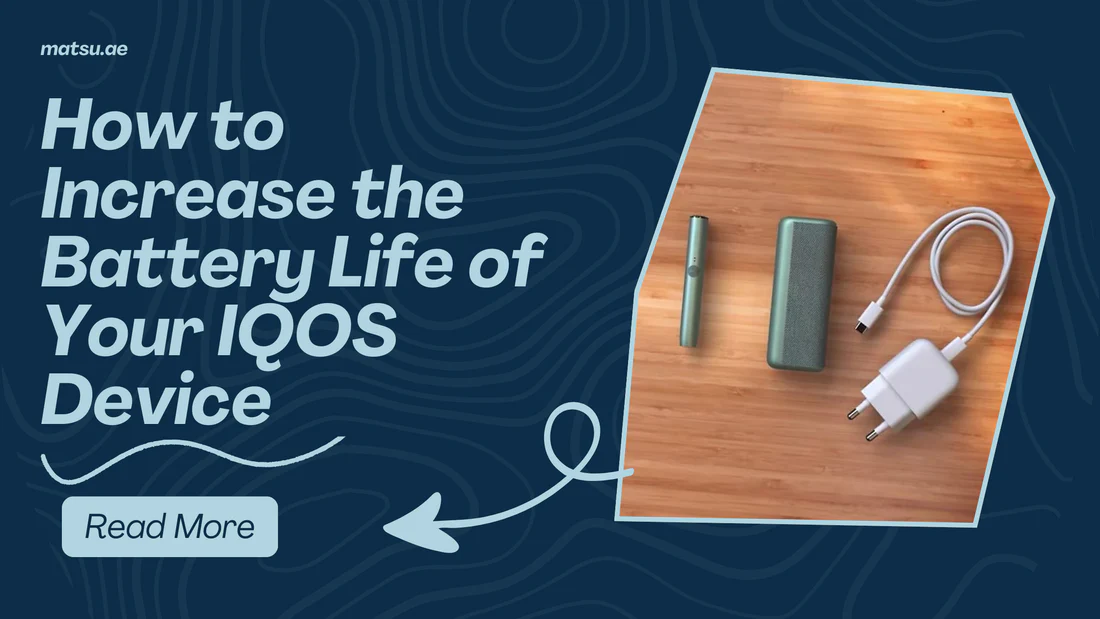
The IQOS ILUMA i is not just another heat-not-burn device, it feels more like a smart companion built for daily use. From the way it heats tobacco to how it manages power, everything is designed to make the experience smoother, cleaner, and more efficient.
But what most users don’t realize is that small settings like Eco Mode (FlexBattery) can quietly improve how long your device stays healthy. You won’t notice a change in taste or performance, but over time, your battery life becomes more stable and reliable.
Understanding “Eco Mode” on Electronic Devices
Many modern rechargeable devices, including phones, wearables, and some consumer electronics, include an Eco Mode or Power Saving Mode. These features are designed to reduce power consumption by limiting certain functions, such as:
- Lowering screen brightness
- Reducing background processes
- Limiting animations or indicator lights
- Decreasing processor activity
- Turning off unnecessary wireless functions
- Entering sleep mode more quickly
The goal of Eco Mode is to allow the device to operate for longer periods between charges.
General Battery-Saving Practices
Whether you own a smartphone, wireless earbuds, or another rechargeable device, the following habits can help maximize battery life:
Avoid Excessive Charging
Rechargeable batteries generally perform best when they are not constantly kept at 100% charge or allowed to remain completely empty for long periods.
Keep the Device at Moderate Temperatures
Heat is one of the biggest factors that can shorten battery lifespan. Avoid leaving electronic devices:
- In direct sunlight
- Inside hot vehicles
- Near heaters or other heat sources
Similarly, extremely cold temperatures can temporarily reduce battery performance.
Use the Recommended Charger
Using chargers and cables designed for the device can help maintain charging efficiency and battery health.
Reduce Unnecessary Power Consumption
Many electronics consume extra energy through:
- Bright displays
- Continuous notifications
- Wireless connections
- Frequent status checks
Power-saving settings can minimize these activities.
Keep Software and Firmware Updated
Manufacturers often release updates that improve:
- Power efficiency
- Battery management
- Charging optimization
- Device stability
Keeping devices updated can contribute to longer battery performance.
Long-Term Battery Care
To maximize the lifespan of rechargeable batteries:
- Avoid exposing batteries to extreme heat.
- Charge the device regularly rather than storing it completely depleted.
- Use approved charging accessories.
- Store devices in cool, dry places if they will not be used for extended periods.
- Follow the manufacturer’s official guidance regarding battery maintenance.
Why Battery Health Matters
A healthy battery can:
- Hold its charge longer
- Deliver more consistent performance
- Require fewer charging cycles
- Extend the usable life of the device
- Reduce electronic waste by delaying battery replacement
Final Thoughts
Eco modes are designed to improve battery efficiency by reducing power consumption and optimizing how a device uses its resources. The exact method for enabling these features varies between manufacturers and products, so the best source for device-specific instructions is the official documentation provided by the manufacturer. In general, practicing good charging habits and proper battery care can significantly improve both daily battery performance and long-term battery health.