

Fix IQOS ILUMA Rapid Battery Drain: Causes, Diagnostics & Quick Fixes

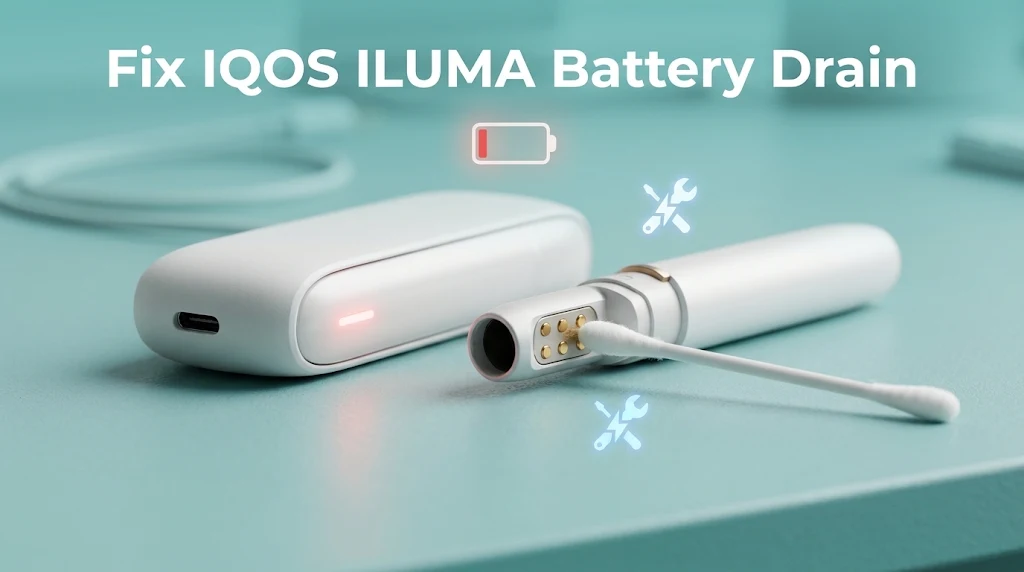
Fix IQOS ILUMA Battery Drain fast with three simple steps. First, reset your IQOS device by holding the power button for 10 seconds. Second, clean the gold contacts with a dry swab. Third, charge only with an official cable and adapter. These steps solve most charging issues in minutes.
Is your battery still dying too soon? Keep reading. This guide shows the real causes, easy tests, and practical tips. Need a trusted shop in the UAE? Visit Vape Dubai for IQOS products and help.
Why Does My IQOS ILUMA Battery Drain So Fast?
IQOS ILUMA battery drain usually happens because of dirty gold contacts, third-party chargers, extreme heat, or software glitches, and normal battery wear can also cut power over time. The good news is that you can often fix it at home in minutes.
First, reset your device by putting the Holder in the Pocket Charger and holding the power button for 10 seconds.
Next, clean the gold contacts with a dry cotton swab, and never use water. Then, charge only with the official IQOS USB-C cable and 5V/2A wall adapter, and keep your device between 0°C and 40°C. You should also connect to the IQOS app to install the latest firmware update.
A full charge should give about 20 sessions, so if you get fewer than 10 to 12 sessions or see a blinking red light, you may have a bad contact or a worn-out battery.
Because the battery is built in and cannot be swapped by users, contact official IQOS support to check your warranty if the problem stays. To keep your IQOS ILUMA lasting longer, clean the contacts once a week and avoid letting the battery drop to 0%.
IQOS ILUMA Battery Life
Before opening up your troubleshooting kit, let’s verify if your device is actually malfunctioning or just operating within baseline limits.
| Device Model | Holder Back to Back Sessions | Total Sessions per Full Charge | Full Recharge Time |
| IQOS ILUMA Standard | 2 Consecutive Uses | 20 Sessions | 135 Minutes (2h 15m) |
| IQOS ILUMA PRIME | 2 Consecutive Uses | 20 Sessions | 135 Minutes (2h 15m) |
| IQOS ILUMA ONE | Integrated (All-in-One) | 20 Sessions | 90 Minutes (1h 30m) |
Want to compare each model? Browse the full IQOS ILUMA range to see how every product differs.
Primary Symptoms of Battery Drain
Each sign below can indicate a real problem:
- Your Pocket Charger gives fewer than 10 to 12 sessions before it needs a wall plug.
- The Holder loses power while it sits unused in the charger.
- The battery jumps from 100% (two white lights) to zero (blinking red light).
If you see one or more of these, move on to the causes below.
5 Main Causes of Rapid IQOS ILUMA Battery Drain
Why is your battery dying so fast? It usually comes down to one of these five causes. Most relate to device care and daily usage habits.
1. Non-Compliant Power Supplies and Third-Party Cables
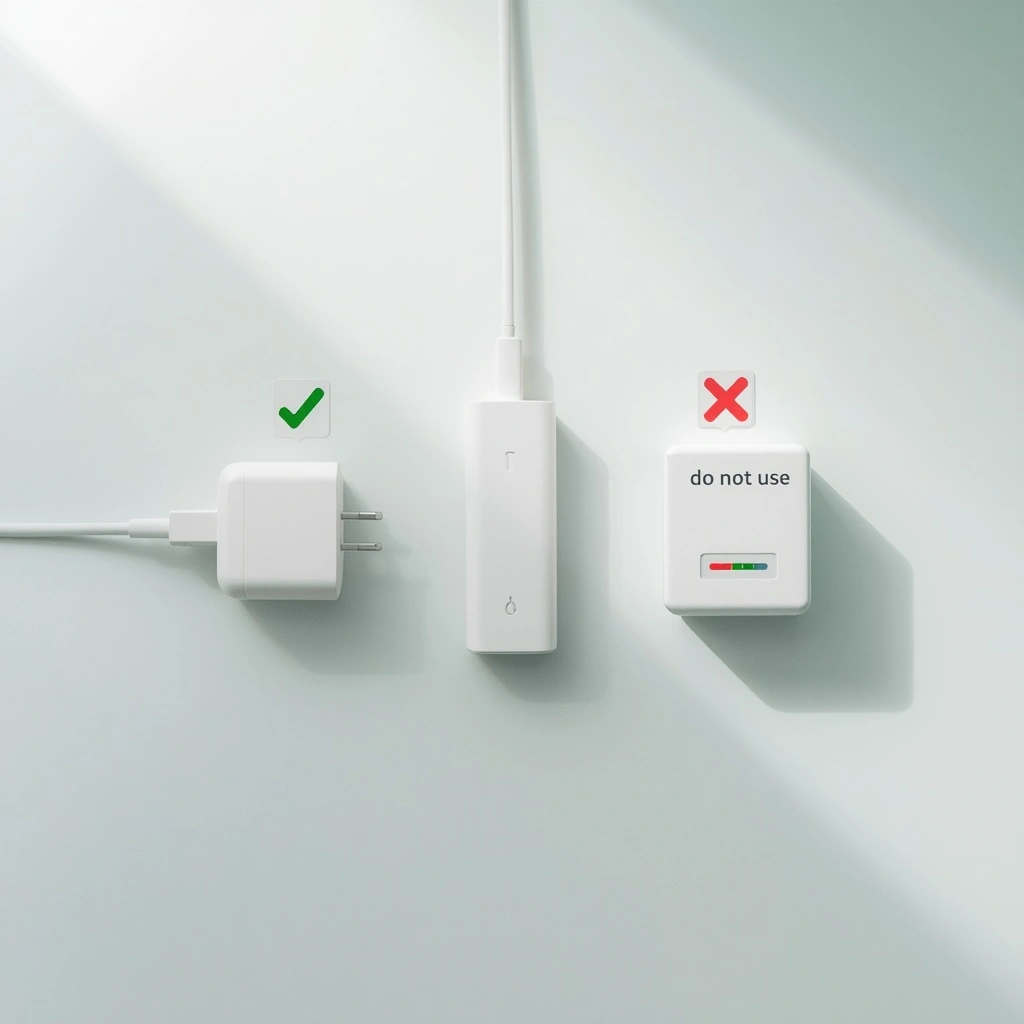
Laptop USB-C ports, very strong fast chargers, and cheap cables can harm your IQOS device. These third-party chargers upset the power management chip inside. The voltage then changes too much. As a result, the lithium-ion cell cannot take a full, deep charge.
Tip: Avoid using any charger that is not official. Chargers may look the same, but they often fail safety checks.
2. Thermal Protection Triggers
Your IQOS ILUMA has smart heat sensors. They protect the battery. However, if you store or use the device outside 0°C to 40°C, the technology slows the power or shuts the device down. Then the battery seems to drain fast.
3. Dirty or Blocked Gold Contact Pins
Tiny bits of lint, dust, or moisture build up on the gold contacts. These component parts sit on the bottom of the Holder and inside the Pocket Charger. The dirt blocks the flow of power. It can also give you a false full charge signal.
4. Smart core System and Firmware Glitches
The Smart core Induction System heats your TEREA sticks when you insert one. This heated tobacco technology runs on software. If the software freezes, or a Bluetooth link loops, power leaks. This can happen even when the device is idle.
5. Chemical Degradation and End of Life
All lithium-ion batteries lose strength over time. After 18 to 24 months of heavy daily smoking or vaping habits, the cell may simply be worn out. This is common for devices like this one.
Safety Warning: Unapproved Fast Chargers
Never charge your IQOS ILUMA with a strong, non-certified power supply, such as a 65W+ laptop brick. It can overheat the induction coils. It can also permanently damage the lithium-ion cell.
Step-by-Step Diagnostic and Quick Fix Protocol
Follow these steps in order. Each one is a simple solution to a power leak. Do them properly and correctly for the best performance.
Step 1: Force a System Reset
Why: It fixes software loops and false readings.
- Place the Holder inside the Pocket Charger.
- Press and hold the power button on the charger for 10 seconds.
- Wait until all lights dim and turn off.
- Release the button. The lights flash white twice.
Check: The lights fade back on and show a steady white glow.
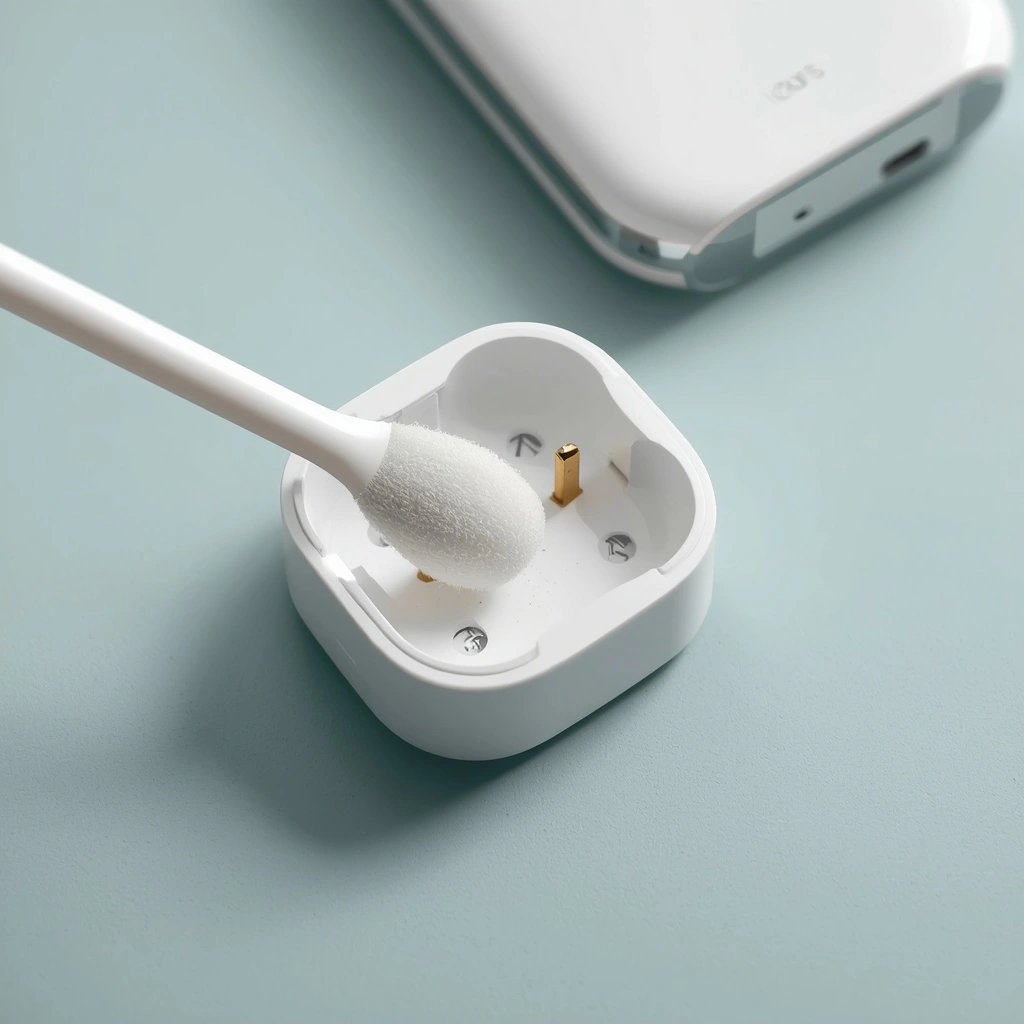
Step 2: Deep Clean the Gold Power Terminals
Why: It restores full current flow.
- Look at the bottom of the Holder.
- Look at the pins inside the base of the Pocket Charger.
- Use a soft, dry cotton swab and gently polish each contact.
- Never use water or strong liquids.
Check: The contacts look shiny and free of dust.
Step 3: Do a Full Wall Outlet Charge
Why: It helps the charge sensors reset.
- Plug the device into a wall socket.
- Use the official 5V/2A IQOS adapter and cable.
- Leave it alone for 135 minutes (ILUMA and PRIME) or 90 minutes (ILUMA ONE).
Curious about timing? Read how long an IQOS ILUMA takes to charge for more detail.
Check: All lights turn solid white. Then they switch off by themselves.
Step 4: Fix the Operating Environment
Why: It brings battery chemistry back to normal.
If the device feels very hot or very cold, move it to a room at 18°C to 24°C. Wait 15 minutes before your next puff or session.
Check: The outer shell feels like room temperature.
Step 5: Update the Firmware
Why: It patches power bugs.
- Link your device to your phone or PC with the official IQOS app.
- Run the online check.
- Install any new firmware.
Check: The app says “Firmware is Up to Date” with a green check mark.
Decoding IQOS ILUMA Battery Light Indicators
What are your lights trying to tell you? Use this table.
| Light Pattern | What It Means |
| Solid white | Fully charged, or working normally |
| Pulsing white | Charging, or heating up |
| Fast blinking white (3 times) | Too hot or too cold |
| Blinking Red | Software fault, poor contact, or hardware error |
| No lights | Deep discharge; charge for 20 minutes to wake it |
For a full list of colors and patterns, see this IQOS ILUMA light guide. It helps you read each signal correctly.
Preventive Maintenance: Extend Your Battery Life
Want your device to last all day? Use these guideline habits to maintain strong battery health. Most are typically quick and free.
- Avoid deep discharge. Do not let the battery hit 0% again and again. Recharge when the last bar starts to flash.
- Avoid hot cars. Do not leave the device on a dashboard. Heat is the number one enemy of lithium batteries.
- Clean regularly. Polish the metal contacts with a dry swab once a week.
- Use proper storage. Keep the device in a cool, dry place. Good storage protects the cell and the component parts.
- Check occasionally. Occasionally look for lint inside the charger slot.
- Protect your sticks. Store TEREA packs away from heat. This keeps the flavor fresh and the tobacco in good shape.
Living in Dubai or elsewhere in the UAE? Summer heat is intense. Keep your IQOS device out of direct sun. This one habit can save your battery.
Troubleshooting Decision Tree: Fix or Replace?
Have you done every step, yet the battery still dies fast? Use this simple path to decide.
- Perform a 10-second hard reset.
- Problem solved? Great. Your system is clear.
- Still there? Go to step 2.
- Clean the gold contact pins.
- Does the charge last 15+ uses? Excellent. Power contact is restored.
- Still failing? Go to step 3.
- Check for a persistent red light or instant shutdown.
- If yes, the battery cell is likely worn out. Claim a warranty replacement.
If your device keeps blinking red after resets, or it shuts off as soon as it heats up, the cell has reached end of life. Visit an official support center or start a claim online. If the unit will not take power at all, read about an IQOS ILUMA not charging for extra fixes.
Frequently Asked Questions (FAQ): Fix IQOS ILUMA Rapid Battery Drain
Why is my IQOS ILUMA battery draining so fast?
Dirty contacts, software glitches, non-official cables, and extreme heat are the usual causes. Over time, normal battery wear also lowers capacity.
How do I reset my IQOS ILUMA to fix power issues?
Place the Holder in the Pocket Charger. Press the power button for 10 seconds until all lights go off. Release it. The lights flash white to show a successful reboot.
What does a blinking red light mean on my IQOS ILUMA?
A blinking red light can indicate a software glitch, poor contact, or an internal error. A 10-second reset or a quick contact cleaning often fixes it.
How long does a full IQOS ILUMA charge take?
It takes about 135 minutes for the ILUMA or ILUMA PRIME with an official 5V/2A charger. The ILUMA ONE takes about 90 minutes.
Can I charge my IQOS ILUMA with a laptop charger or power bank?
No. It is not safe. Strong laptop adapters and cheap cables cause voltage spikes. Chargers may also create heat that harms the cell for good.
Can you replace the battery in an IQOS ILUMA?
No. The battery is built into the casing. Users cannot swap it. If it fails after all tests, contact official IQOS support and ask about your warranty.
Restoring Your IQOS ILUMA Battery Life
A fast-draining battery is frustrating, but it rarely means your device is broken for good. In most cases, a quick 10-second reset, a dry clean of the gold contacts, and an official wall charger bring your battery back to normal.
Good device care is the best long-term solution. Charge properly, keep the unit cool, and clean it regularly. These practical habits protect your performance every day. They work for any session, whether it is a short break or a long one.
If the red light stays on, or the device shuts off at once, the battery cell may be worn out. Contact official customer support or visit an authorized retailer to address the issue under warranty.