

How Do I Charge the IQOS Iluma Prime Kit?

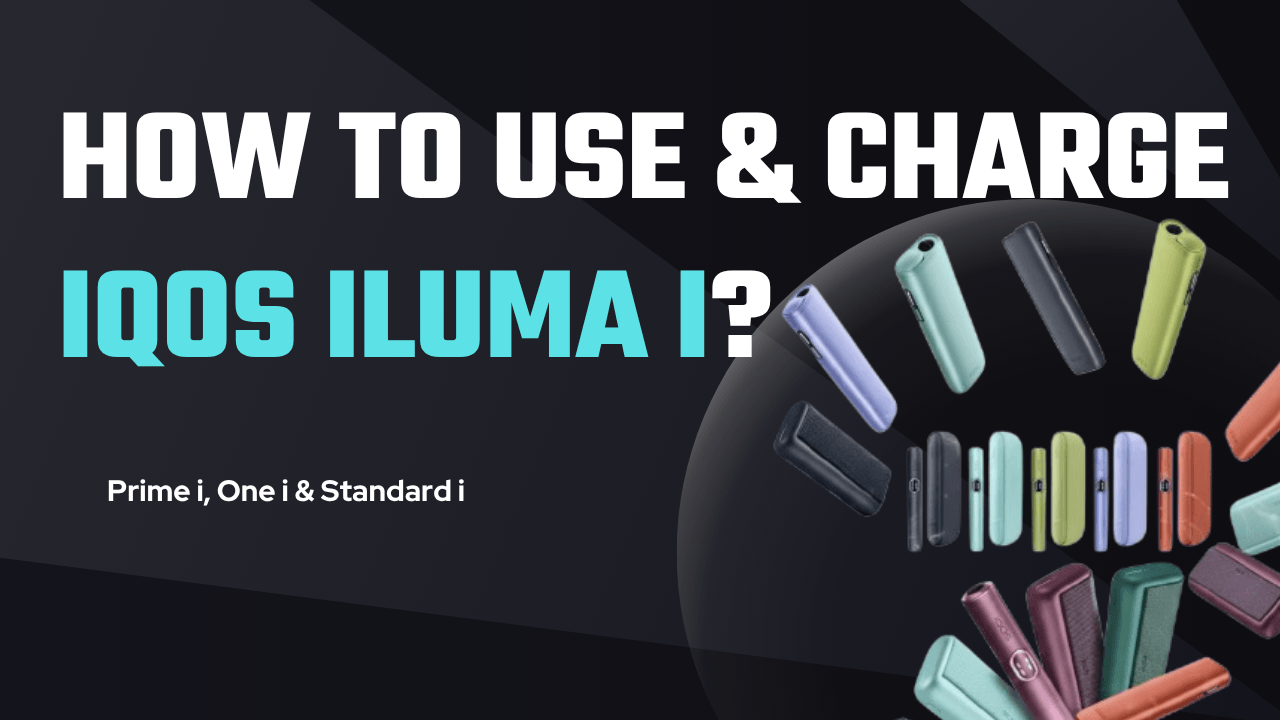
Charging the IQOS Iluma Prime Kit is simple, but understanding the full charging process helps ensure the device works efficiently and lasts longer. The kit includes two main components: the Holder (the device you use to heat the tobacco stick) and the Pocket Charger (the case that charges the holder and stores energy for multiple uses). Learning how to charge both parts correctly ensures the device performs smoothly and delivers consistent experiences.
This guide explains everything you need to know about charging the IQOS Iluma Prime, including first-time charging, daily charging procedures, battery indicators, charging time, troubleshooting tips, and maintenance advice.
Understanding the IQOS Iluma Prime Charging System
Before learning how to charge the device, it is helpful to understand how the charging system works.
The IQOS Iluma Prime operates with a two-level charging system:
-
Pocket Charger – This is the larger case that contains the battery. It stores energy and recharges the holder multiple times.
-
Holder – This is the smaller pen-like device used to heat the tobacco stick. The holder must be placed in the pocket charger to recharge.
This design allows users to carry the device easily and recharge the holder quickly between uses. Once the pocket charger is fully charged, it can recharge the holder many times before needing another full recharge.
Charging the IQOS Iluma Prime for the First Time
When you buy a new IQOS Iluma Prime kit, the first step is to fully charge the device before using it.
Step-by-Step First Charge
-
Remove the device from the packaging.
Make sure both the holder and pocket charger are inside the kit. -
Connect the USB-C charging cable.
Plug the USB-C cable into the charging port of the pocket charger. -
Connect the other end to a power adapter.
Use a compatible AC power adapter with approximately 5V / 2A output. -
Plug the adapter into a wall outlet.
-
Allow the pocket charger to fully charge.
The full charging process takes about 135 minutes (around 2 hours and 15 minutes).
Charging the device fully before the first use helps optimize battery performance and ensures the system works correctly from the start.
It is also possible to charge the pocket charger with or without the holder inside.
How to Charge the Pocket Charger
The pocket charger is the main battery source of the IQOS Iluma Prime kit. When its battery runs low, it must be recharged using a USB-C cable.
Pocket Charger Charging Steps
-
Locate the USB-C charging port on the bottom of the pocket charger.
-
Insert the USB-C cable into the charging port.
-
Connect the cable to the power adapter.
-
Plug the adapter into a power source.
-
Wait until the battery is fully charged.
While charging, the LED status lights will display the charging progress.
When the battery indicator is fully lit, the pocket charger is fully charged and ready to use again.
A fully charged pocket charger usually supports around 20 uses of the holder before needing to recharge again, depending on usage habits.
How to Charge the Holder
The holder charges differently from the pocket charger. Instead of connecting directly to a cable, it charges automatically when placed inside the pocket charger.
Holder Charging Steps
-
Insert the holder into the pocket charger.
-
Close the charger cover or wrap.
-
Wait while the holder recharges.
The holder battery charges quickly compared to the pocket charger.
Typical charging times include:
-
Around 1 minute 50 seconds for one experience
-
Around 3–5 minutes for full recharge between uses
-
Up to 10 minutes for the first charge if the device was unused for a long time
When the holder is charging, the LED lights will pulse or glow to indicate charging progress.
Understanding Battery Indicator Lights
The IQOS Iluma Prime uses LED lights to display battery status.
Pocket Charger Battery Indicators
Press the button on the pocket charger briefly to check battery status.
The LED lights represent the following levels:
-
4 lights – more than 75% battery
-
2–3 lights – medium battery level
-
1 light – less than 25% battery
-
Orange blinking light – battery depleted and needs charging
These indicators help users know when the device needs to be recharged.
Holder Battery Indicators
The holder also has its own LED indicators.
-
Two lights – holder fully charged and ready for two uses
-
One light – one use remaining
-
No lights – holder needs charging
-
Blinking yellow light – battery is low and needs recharging
When the holder is placed in the pocket charger, the lights will pulse to show that charging is in progress.
How Often You Need to Charge
Charging frequency depends on how often the device is used.
Typical usage patterns include:
-
Heavy users may charge the pocket charger once per day
-
Moderate users may charge it every 1–2 days
-
Light users may charge it every few days
Because the pocket charger stores energy for many holder charges, the device usually does not require constant charging.
Tips for Charging the IQOS Iluma Prime Safely
To keep your device functioning properly, follow some important charging guidelines.
Use the Correct Charger
Always use:
-
The original IQOS charging cable
-
A compatible 5V 2A power adapter
Using incompatible chargers may slow down charging or damage the device.
Avoid Overheating
While charging:
-
Do not place the device near heat sources
-
Avoid charging in direct sunlight
-
Do not cover the charger while charging
This helps prevent battery overheating.
Keep the Charging Port Clean
Dust or dirt in the charging port may cause charging problems.
Occasionally check the port and gently clean it if necessary.
Do Not Use Damaged Cables
A damaged cable can cause:
-
Slow charging
-
Charging interruptions
-
Potential safety hazards
Always replace damaged cables immediately.
Conclusion
Charging the IQOS Iluma Prime Kit is a straightforward process once you understand how the two-part charging system works. The pocket charger stores energy and recharges the holder between uses, allowing the device to remain portable and convenient.
To charge the device properly, connect the pocket charger to a USB-C cable and compatible power adapter. A full charge typically takes around two hours and fifteen minutes. Once charged, the pocket charger can recharge the holder many times, providing multiple experiences before needing another recharge