

How to Fix IQOS Iluma I Prime Device

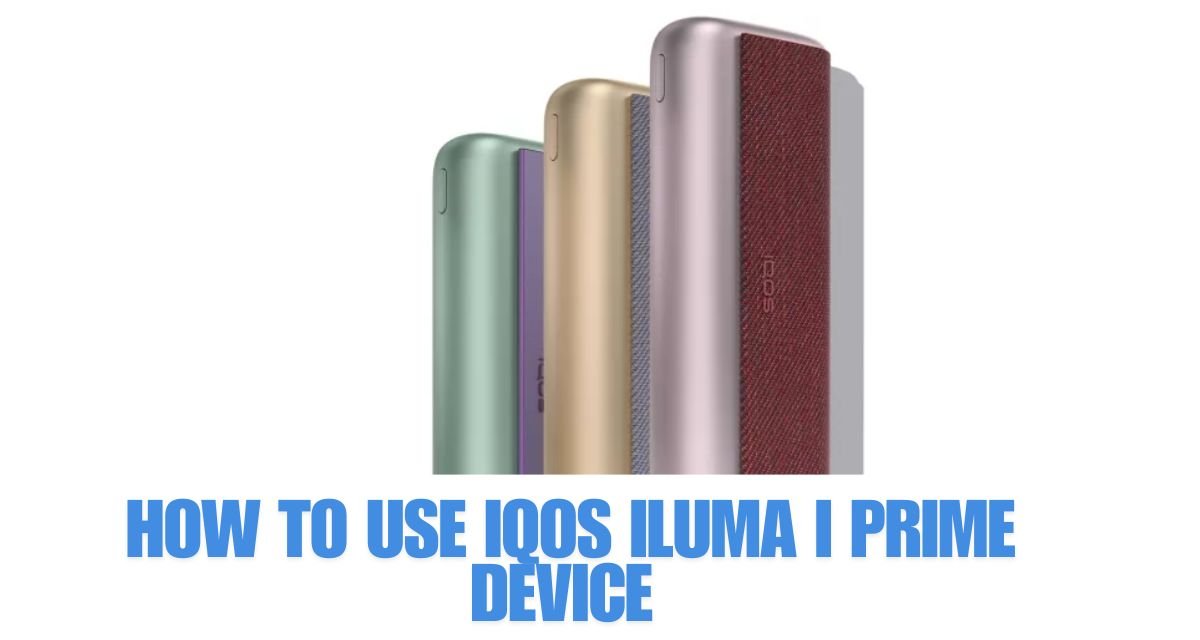
IQOS Iluma I Prime Device is one of the most advanced heated tobacco devices available today, offering a bladeless heating system, sleek design, and improved user experience. However, like any electronic device, it may occasionally face issues that affect its performance. Whether it’s not charging, not heating, or showing unusual lights, understanding how to troubleshoot and fix these problems can save both time and money.
This guide will walk you through the most common problems and practical solutions to restore your device to proper working condition.
Understanding the Device First
Before diving into fixes, it’s important to understand how the IQOS Iluma I Prime works. Unlike older IQOS models, this device uses SMARTCORE INDUCTION SYSTEM™, which heats the tobacco stick from the inside without a blade. Because of this design, many traditional cleaning and repair methods don’t apply.
The device consists of:
- Holder (where you insert the tobacco stick)
- Pocket Charger (charges the holder)
- Battery and internal electronics
Knowing these parts helps identify where the issue might be.
1. Device Not Charging
Possible Causes:
- Dirty charging contacts
- Faulty cable or adapter
- Battery issue
- Improper connection
How to Fix:
Step 1: Check the Charging Cable and Adapter
Use the original cable and adapter whenever possible. Try a different cable to see if the problem persists.
Step 2: Clean Charging Contacts
Dust or residue can block the connection.
- Use a dry cotton swab
- Gently clean both the holder and charger contact points
Step 3: Reset the Device
- Press and hold the charger button for about 10 seconds
- Wait for the lights to blink
- Release and try charging again
Step 4: Try Another Power Source
Plug into a different wall socket or USB port.
If none of these work, the battery might be worn out and require professional servicing.
2. Device Not Heating
Possible Causes:
- Battery too low
- Improper stick insertion
- Internal heating malfunction
How to Fix:
Step 1: Fully Charge the Device
Ensure the holder is fully charged before use.
Step 2: Insert the Stick Properly
Do not force the stick. Insert it gently until it fits naturally.
Step 3: Restart the Device
Resetting often fixes temporary glitches.
Step 4: Check for Firmware Issues
If the device behaves inconsistently, a firmware update (if available through official apps) can resolve bugs.
3. Blinking Lights or Error Signals
The IQOS Iluma I Prime uses LED lights to communicate problems.
Common Signals:
- Red light blinking → Device error or overheating
- White light blinking → Normal operation or charging
- No light → Power issue
How to Fix:
Red Light Issue:
- Let the device cool down for 10–15 minutes
- Reset the device
- Ensure it’s not exposed to extreme temperatures
No Light Issue:
- Charge the device
- Clean contacts
- Try another charger
Understanding these signals is key to quick troubleshooting.
4. Weak or No Vapor Production
Possible Causes:
- Low battery
- Expired or damaged tobacco sticks
- Internal malfunction
How to Fix:
Step 1: Check Battery Level
Low battery reduces heating efficiency.
Step 2: Use Fresh Sticks
Old or damaged sticks won’t produce proper vapor.
Step 3: Ensure Proper Usage
Wait for the device to fully heat before taking a puff.
Step 4: Reset the Device
This can restore normal heating behavior.
5. Device Overheating
Possible Causes:
- Continuous use without rest
- High ambient temperature
- Internal fault
How to Fix:
- Allow the device to cool between sessions
- Avoid using it in very hot environments
- Do not charge and use simultaneously for long periods
If overheating continues frequently, it may indicate a deeper hardware issue.
6. Holder Not Connecting to Charger
Possible Causes:
- Dirty connectors
- Misalignment
- Mechanical wear
How to Fix:
Step 1: Clean Both Ends
Use a dry cloth or cotton swab.
Step 2: Insert Properly
Make sure the holder clicks into place.
Step 3: Check for Damage
If connectors look worn or bent, professional repair may be needed.
7. Device Vibrates but Doesn’t Work
Sometimes the device vibrates but fails to heat.
Fix:
- Reset the device
- Ensure the stick is inserted correctly
- Fully charge the holder
This issue is often caused by temporary software glitches.
8. Battery Draining Too Fast
Possible Causes:
- Old battery
- Frequent usage
- Charging habits
How to Fix:
- Avoid overcharging overnight
- Use original charging accessories
- Let the battery drain occasionally before recharging
If battery life has significantly reduced over time, replacement may be necessary.
9. Cleaning and Maintenance Tips
Even though the IQOS Iluma I Prime is bladeless, maintenance still matters.
Best Practices:
- Keep the device dry
- Clean exterior regularly
- Avoid dropping the device
- Store in a cool, dry place
Unlike older IQOS models, you don’t need to clean a blade, which reduces maintenance issues significantly.
10. When to Seek Professional Help
If you’ve tried all troubleshooting steps and the device still doesn’t work, it may require professional repair.
Signs You Need Help:
- Device not turning on at all
- Persistent red light errors
- Physical damage
- Battery swelling or overheating
Do not attempt to open the device yourself, as it may void warranties or cause further damage.
Preventing Future Problems
Prevention is always better than repair. Here are some simple habits:
- Use the device as instructed
- Avoid overuse in short periods
- Charge properly
- Keep it clean and dry
- Use compatible sticks only
These small steps can greatly extend the lifespan of your device.
Conclusion
The IQOS Iluma I Prime Device is a sophisticated and reliable product, but occasional issues can still arise. Fortunately, most common problems—like charging issues, heating failures, or blinking lights—can be resolved with simple troubleshooting steps such as cleaning, resetting, and proper usage.
Understanding how the device works and maintaining it properly will help you avoid many of these problems in the first place. And when issues do occur, following this guide can help you quickly get your device back to working condition without unnecessary stress.