

Check an IQOS Device’s Model and Product Details: Spot Fakes and Save Your Warranty

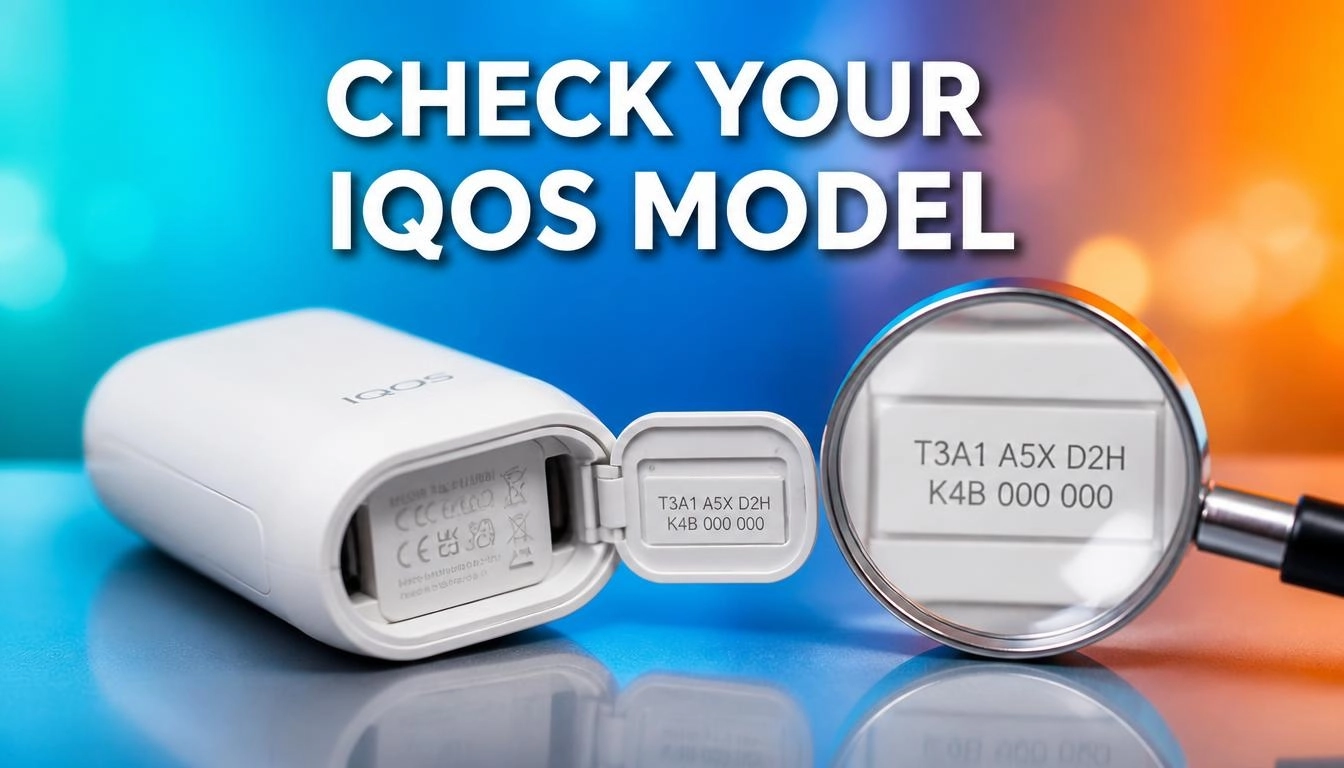
Want to know how to Check an IQOS Device’s Model and Product Details? Find the 14-character serial number. It sits on the charger door, under the holder cap, or on the box label.
You can also read it in the IQOS app. Each IQOS device hides its code in a different spot, so a quick look at the right place saves time. At IQOS uae, we help adult users every day, so this guide shares what we see most.
Keep reading and you can find your code in under a minute!
How Can You Check an IQOS Device’s Model and Serial Number?
You can check your model in three quick ways:
- Look at the device: Open the charger door or remove the holder cap. Read the laser-etched 14-character code.
- Look at the box: Find the white sticker. S/N is the serial number. Model ID is the model code, such as A1505.
- Use the website or app: Log in and open My Devices, or pair your device by Bluetooth.
Every genuine IQOS product has its own code. You need it for warranty claims, stick checks, and fake device checks. Always check before use, so you know which tobacco stick fits your model.
Not sure which model suits you? See the IQOS ILUMA device range to compare IQOS options side by side.
IQOS is for adult smokers only. It contains nicotine, which is addictive.
Who Makes IQOS, and What Is It?
Philip Morris International makes IQOS. It is a heated tobacco system. Let’s break that down in plain words:
- It is a tobacco product, but it works in a new way.
- It uses heat-not-burn technology.
- The device heats tobacco instead of burning it.
- This means no combustion, and so no cigarette smoke.
Think of a toaster and a campfire. A toaster warms bread. A campfire burns wood. In the same way, IQOS heats tobacco to release flavor without burning it. The user breathes in vapor, not smoke.
Unlike traditional cigarettes, the tobacco never catches fire. The maker says heated products release fewer harmful chemicals than cigarette smoke.
But fewer does not mean none. These nicotine products are not risk free. The best choice for any smoker is to quit nicotine fully.
Many tobacco devices look alike, so knowing your exact model matters. The IQOS family has many device features, and each one changes how you use it.
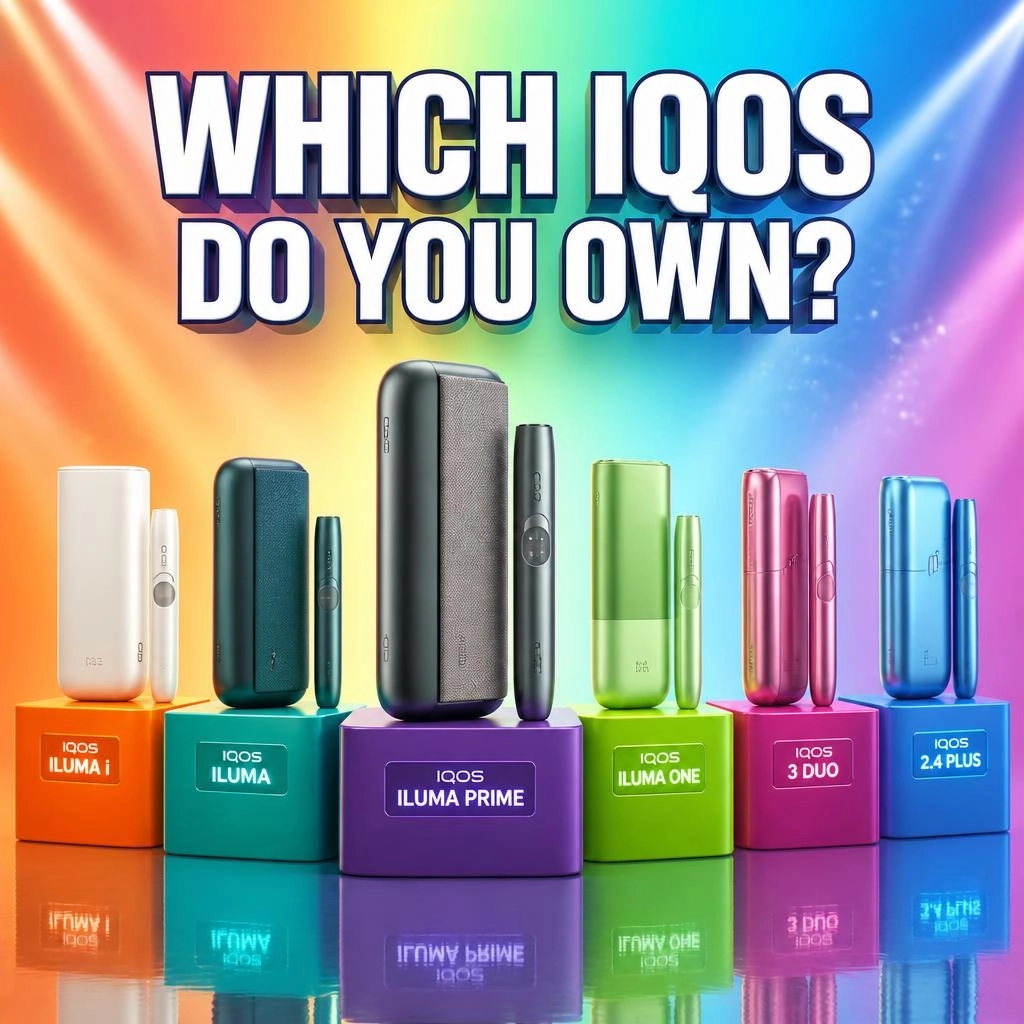
Quick Cheat Sheet: Where Is the Serial Number?
Standing at a counter right now? Use this table.
| IQOS Model | Main Location | Backup Location |
| IQOS ILUMA i Series | Outer side of the holder under the cap, or inside the charger door | Barcode label on the box |
| IQOS ILUMA PRIME | Etched on the charger body under the wrap | Etched on the holder body |
| IQOS ILUMA (Standard) | Inside the magnetic door cover of the charger | Lower stem of the holder |
| IQOS ILUMA ONE | Bottom back, near the CE text | Printed on the bottom base plate |
| IQOS 3 DUO / 3 Multi | Inside the side door opening of the charger | Inside the top collar of the holder |
14-Character Code vs. QR Code
- The 14-character code mixes letters and numbers. It is your device’s fingerprint.
- The QR code is a small square pattern. Service centers scan it for fast checks.
Step by Step: Find the Code on Your IQOS Device
Pocket Chargers (ILUMA, ILUMA i, )
- Push the bottom of the side door to open the magnetic cover.
- Snap off the outer door cover if you need more light.
- Look at the inside track of the aluminum body.
- Find the tiny etched text. It shows safety symbols and the 14-character serial.
The text is fine and laser-etched. Shine your phone flashlight across it at a 45-degree angle. The letters will pop out!
Holders and All in One Devices (ILUMA ONE )
- Standalone holders: Pull off the top magnetic cap. Check the metal ring or the lower stem.
- All in one units: Turn the device over. Look near the base, under the logo. You will see small printed text with the serial string.
Which Serial Do You Need?
The holder and pocket charger have different serial numbers. When you register your kit, use the pocket charger serial. It is the main anchor for warranty coverage. Learn more in our IQOS warranty guide UAE.
What If the Etching Has Rubbed Off?
Don’t worry. You have two digital options.
| Method | Steps |
| Official account | Log in on the website or app. Open My Devices to see every registered serial. |
| IQOS app (Bluetooth) | Turn on Bluetooth. Pair your device. Go to Device Settings > Device Information. |
The app reads the serial straight from the internal chip. You can also use your purchase receipt. Authorized shops print the serial under the item line.
Media idea: Add a short video showing how to open the charger door and tilt a flashlight over the etching.
Why Does Your Model Matter? 4 Key Reasons
Knowing your model keeps your device safe and working well. It also protects your wallet.
Reason 1: Match the Right Sticks
Using the wrong tobacco stick is a top cause of damage. Always check before use which heat stick fits your model. Every IQOS tobacco stick is made for a certain type of device.
| Device Type | Models | Sticks to Use |
| Induction (bladeless) | ILUMA i Standard , ILUMA PRIME, ILUMA ONE | TEREA, SENTIA, LEVIA |
| Blade heating | IQOS 3 DUO, 3 Multi, 2.4 Plus | Compatible HEETS, Marlboro Dimensions, Fiit |
ILUMA devices use SMARTCORE Induction and are bladeless. A metal element inside each heat stick gets hot. So tobacco is heated from within the stick.
Blade devices use a thin ceramic heating blade. A TEREA stick can bend or snap that blade.
A HEETS stick in an ILUMA will not heat at all.
Real-life story: A customer in Dubai once pushed a TEREA stick into his IQOS 3 DUO. The heating blade snapped on the first try. A quick model check would have saved him a repair trip.
Reason 2: Warranty Claims
Support will ask for your serial first. Registering the code locks in your warranty. It also gives you help while you travel.
Reason 3: Verify Authenticity and Spot Fakes
Fakes exist in the tobacco market. Here is how to verify authenticity:
- Serial match: The holder code must match your account.
- QR scan: Official codes lead to verified regional portals.
- Tax stamps: Genuine boxes in the UAE carry digital tax stamps and distributor labels.
Always buy genuine IQOS from an official IQOS store or trusted seller.
Reason 4: Fix Problems Faster
Lights tell a story, but only if you know the model.
- Blinking red on an IQOS 3 DUO: The blade may have failed.
- Blinking yellow on an IQOS ILUMA: This often means low battery or a short heat limit.
Your model also decides the right reset. For one device you hold the charger button for 10 seconds. For another you use the app. Need help with light signals? Read our IQOS ILUMA light guide.
How Do Model Generations Differ?
The IQOS family has two main generations:
Legacy (ceramic blade):
- IQOS 2.4 Plus
- IQOS 3 DUO
- IQOS 3 Multi
Induction (SMARTCORE):
- IQOS ILUMA
- IQOS ILUMA i Prime
- IQOS ILUMA ONE
- IQOS ILUMA i Series
Device Features: Look and Feel Differences
- ILUMA i Series: A touch screen on the holder shows heat status, puffs left, and pause time.
- IQOS ILUMA i Prime: Has a wrap in fabric or leather. The main body is aluminum, with no side door.
- ILUMA Standard: Has the classic side door and a matte shell.
- IQOS 3 DUO: Has two LED dots to track two back-to-back uses.
Heating Technology Compared
Induction heating works in a new way. With SMARTCORE induction, a magnetic field warms a metal element inside the stick. Blade models warm the tobacco from a ceramic blade instead.
| Feature | Blade (Legacy) | Induction Heating (ILUMA) |
| How it heats | Ceramic heating blade inside the heating chamber | Electromagnetic metal element |
| Cleaning | Cleaning required daily, using brushes and alcohol sticks | None needed (sealed system) |
| Stick range | HEETS, Marlboro Dimensions, Fiit | TEREA, SENTIA, LEVIA |
| Blade breakage risk | High | None (bladeless) |
| Mess | Possible residue buildup | No buildup |
Blade models need care because processed tobacco can leave residue buildup on the blade, so cleaning required is part of the routine. Induction models skip this step. Both types get hot on the external surface, so handle them with care after use.
Daily Care Tips for Your Device
- Fully charge your kit before first use.
- Recharge the holder in the pocket charger after each use.
- Charge your device with the original cable only.
- Keep the heating tobacco area dry and free of dust.
- Store each tobacco stick away from heat.
Popular IQOS originals, like the ILUMA line, work best with matching sticks and cables. Do you use IQOS every day?
Frequently Asked Questions
What if my serial number is unreadable?
Plug your device into a computer by USB, or connect by mobile Bluetooth. Then log in to the website or app. The software reads the internal chip and shows your full 14-character serial.
Can I use my receipt to find the model?
Yes! Authorized retailers print the serial on the receipt under the item line.
Does the holder serial match the pocket charger serial?
No. They are separate parts with different serials. Register the pocket charger serial for warranty.
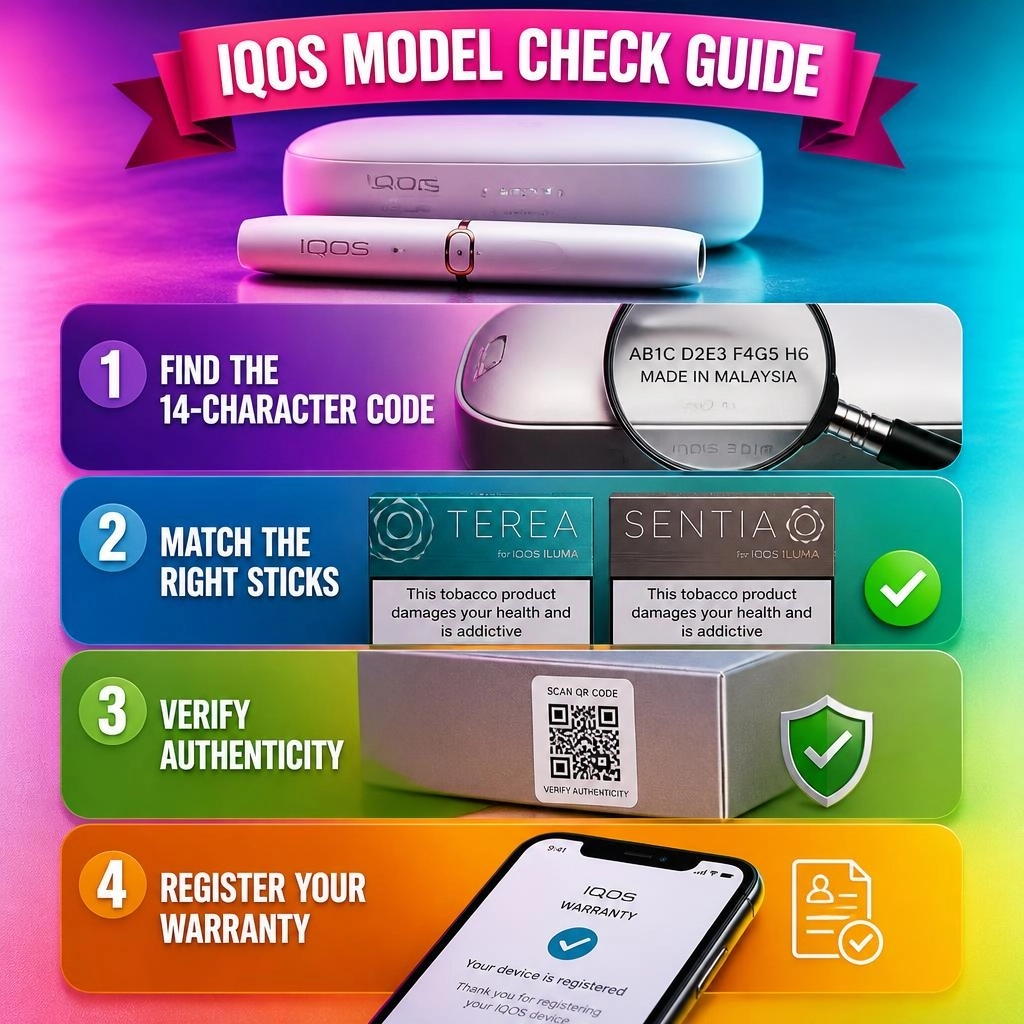
How do I confirm my device is genuine?
Enter the 14-character code on the official registration page. If the system accepts it and adds it to your profile, you can verify authenticity with confidence.
Final Thoughts
Now you know how to find your model, read your serial, and match the right sticks. This quick check protects your IQOS device, your warranty, and your money. Remember, these heated tobacco products are made for adult smokers only, and they are not risk-free.
Which model do you own? Share it below and tell us where you found your code!